tabpocalypse
Tabpocalypse

Manage your open tabs, find duplicates, group by domain, and bulk close — all in one place.
Features
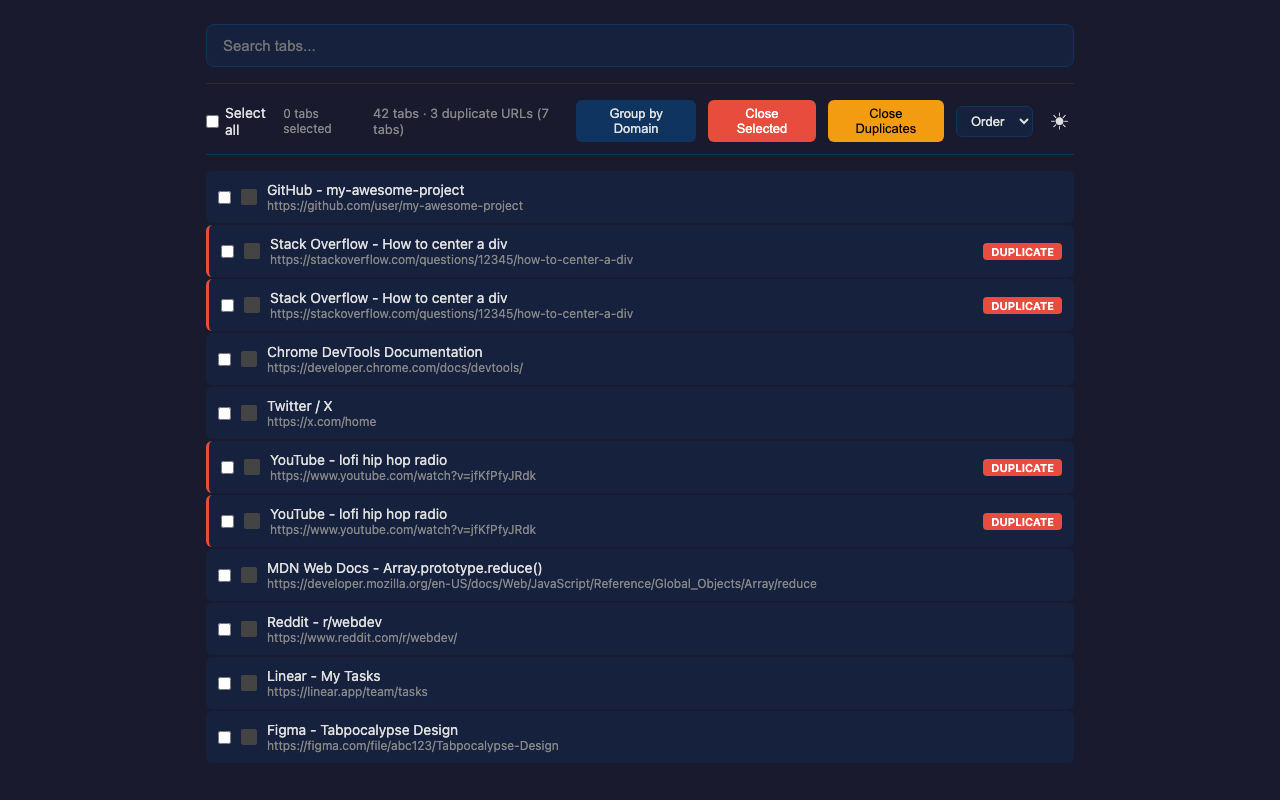
- Duplicate Detection — automatically detects tabs with identical URLs and marks them with a red badge. Close all duplicates with one click.
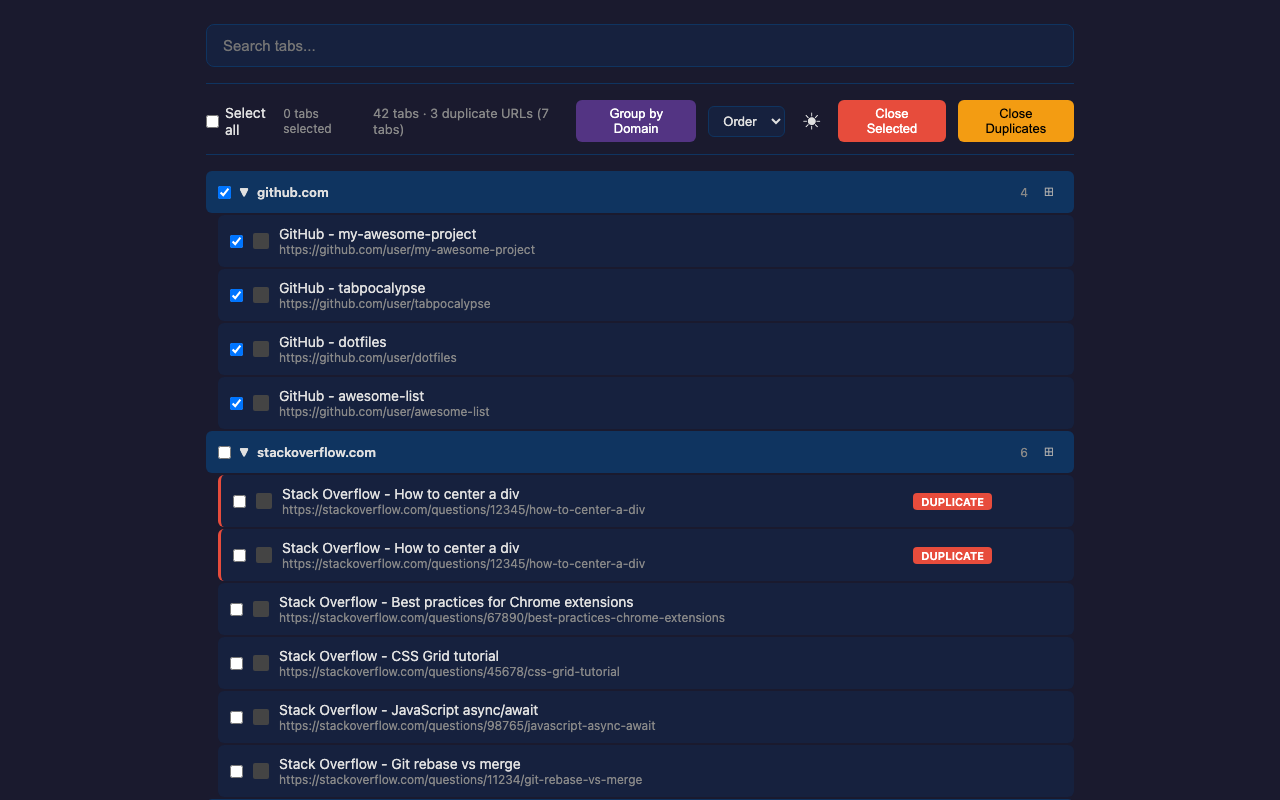
- Group by Domain — organizes tabs by domain with collapsible headers. Select or close entire groups.
- Open in New Window — move a domain’s tabs (⊞ on its group header) or just your selected tabs (⊞ in the toolbar) into their own window.
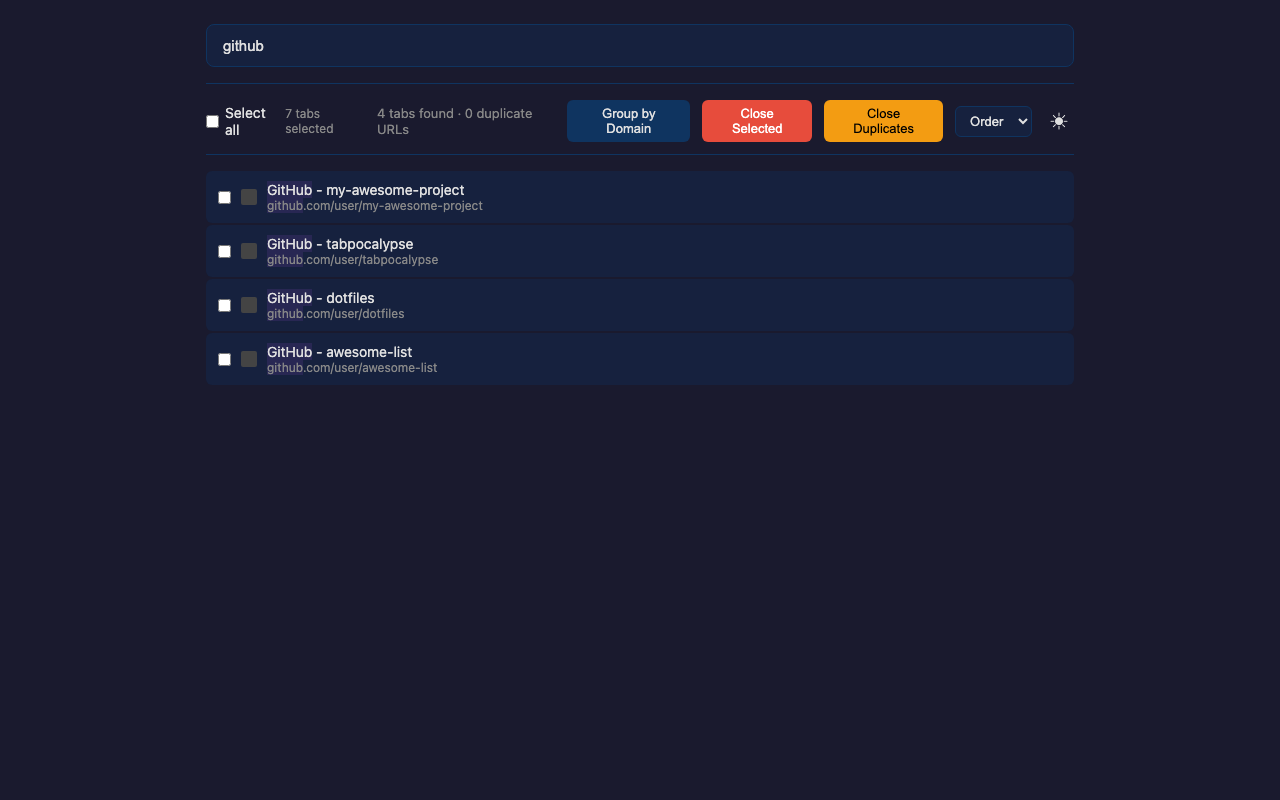
- Live Search — filter tabs by title or URL with real-time highlighting.
- Bulk Operations — select all, close selected, or close duplicates. Checkboxes on every tab and group header.
- Dark Theme — purple-accented dark UI that’s easy on the eyes.
Install
From Chrome Web Store
From Source (Developer Mode)
- Clone this repo:
git clone https://github.com/SetiZ/tabpocalypse.git - Open Chrome and go to
chrome://extensions - Enable Developer mode (top right toggle)
- Click Load unpacked and select the
tabpocalypsefolder - Click the Tabpocalypse icon in your toolbar to open it
Screenshots
| Flat List | Grouped by Domain | Search |
|---|---|---|
 |
 |
 |
Privacy
Tabpocalypse reads your open tabs’ URLs and titles locally — this data never leaves your browser. See the full privacy policy at PRIVACY.md.
License
MIT